C.A.P
Modpack; S.T.A.L.K.E.R.: Anomaly
Project Options:
Project Description:
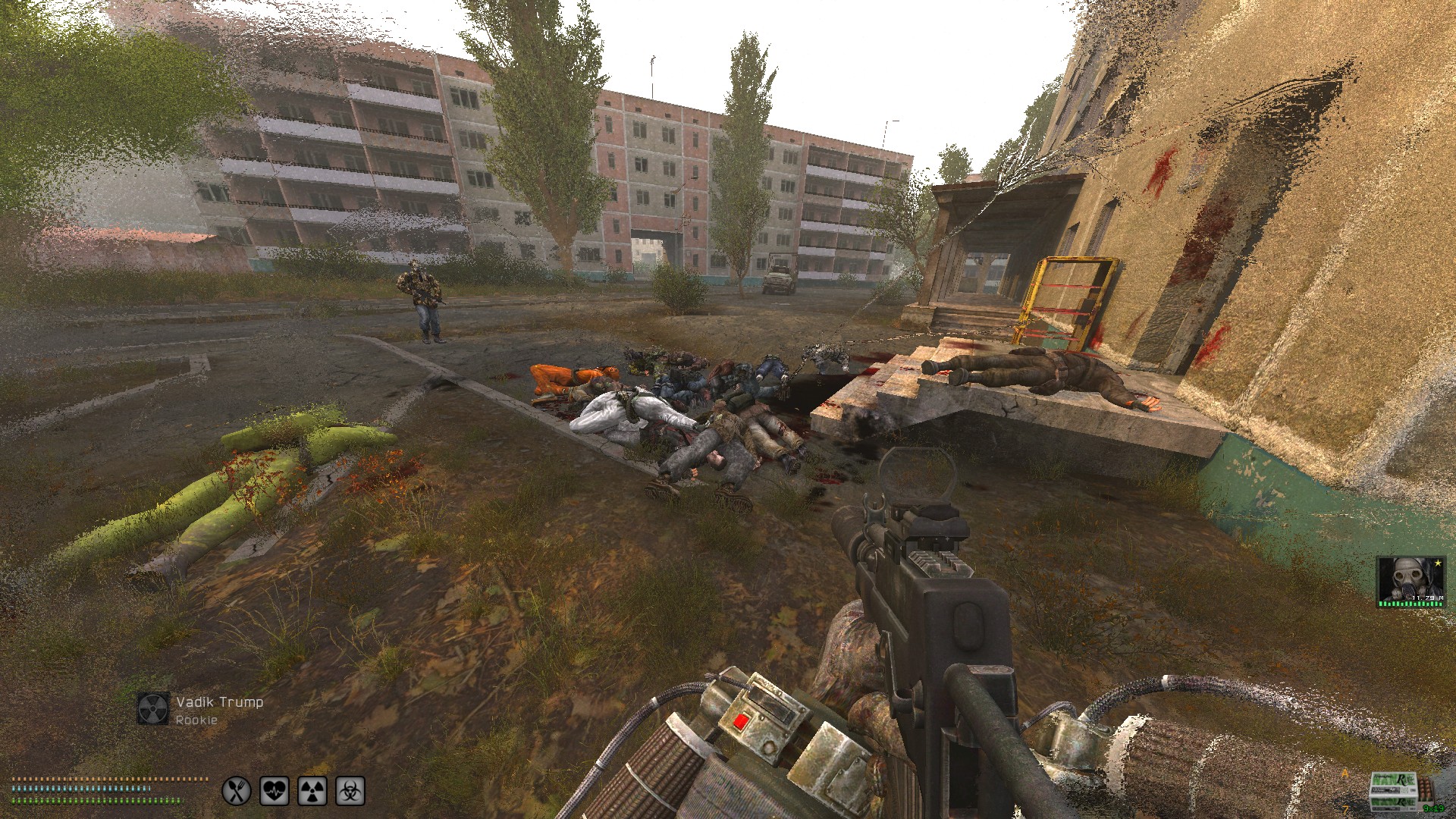
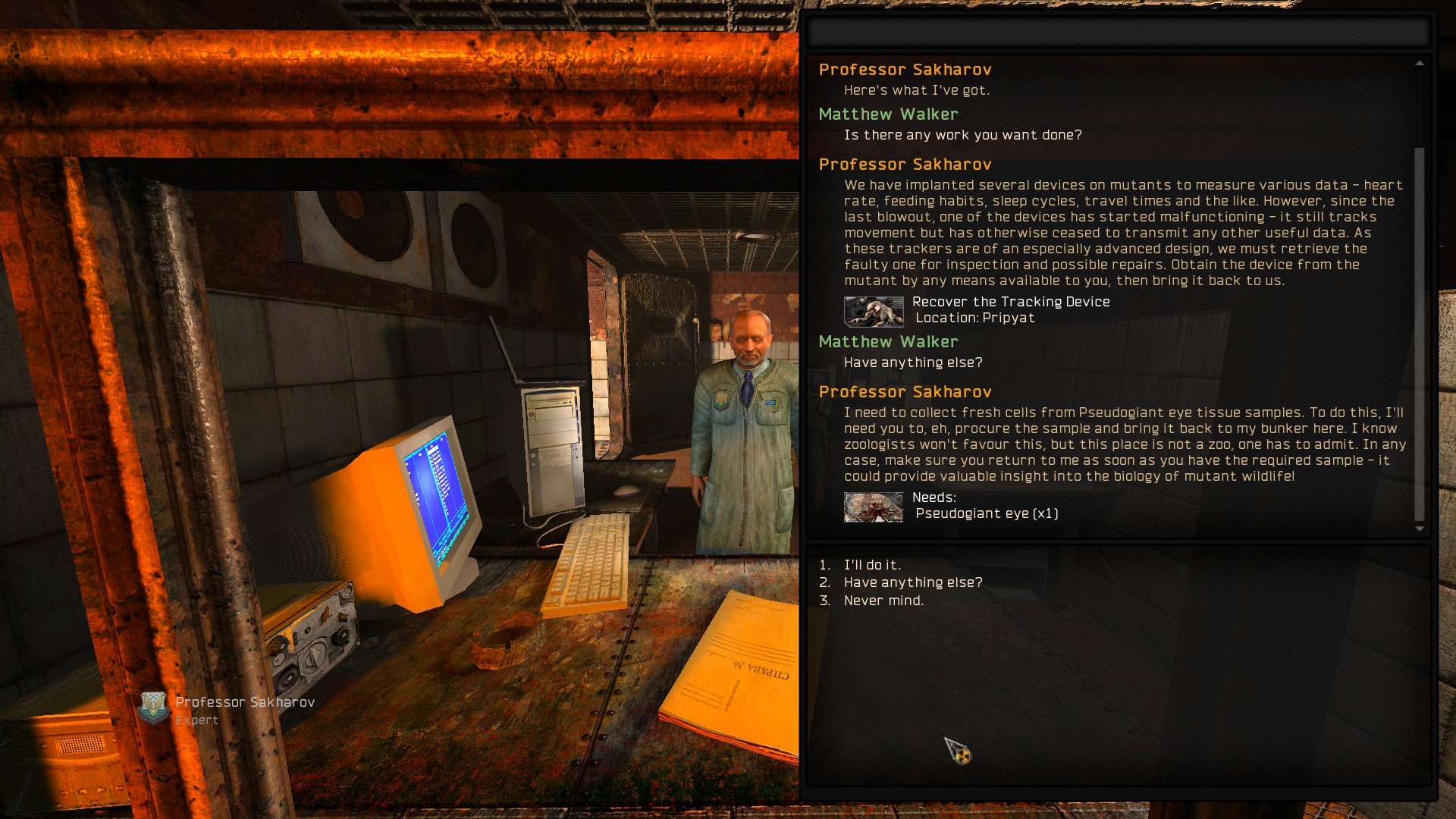
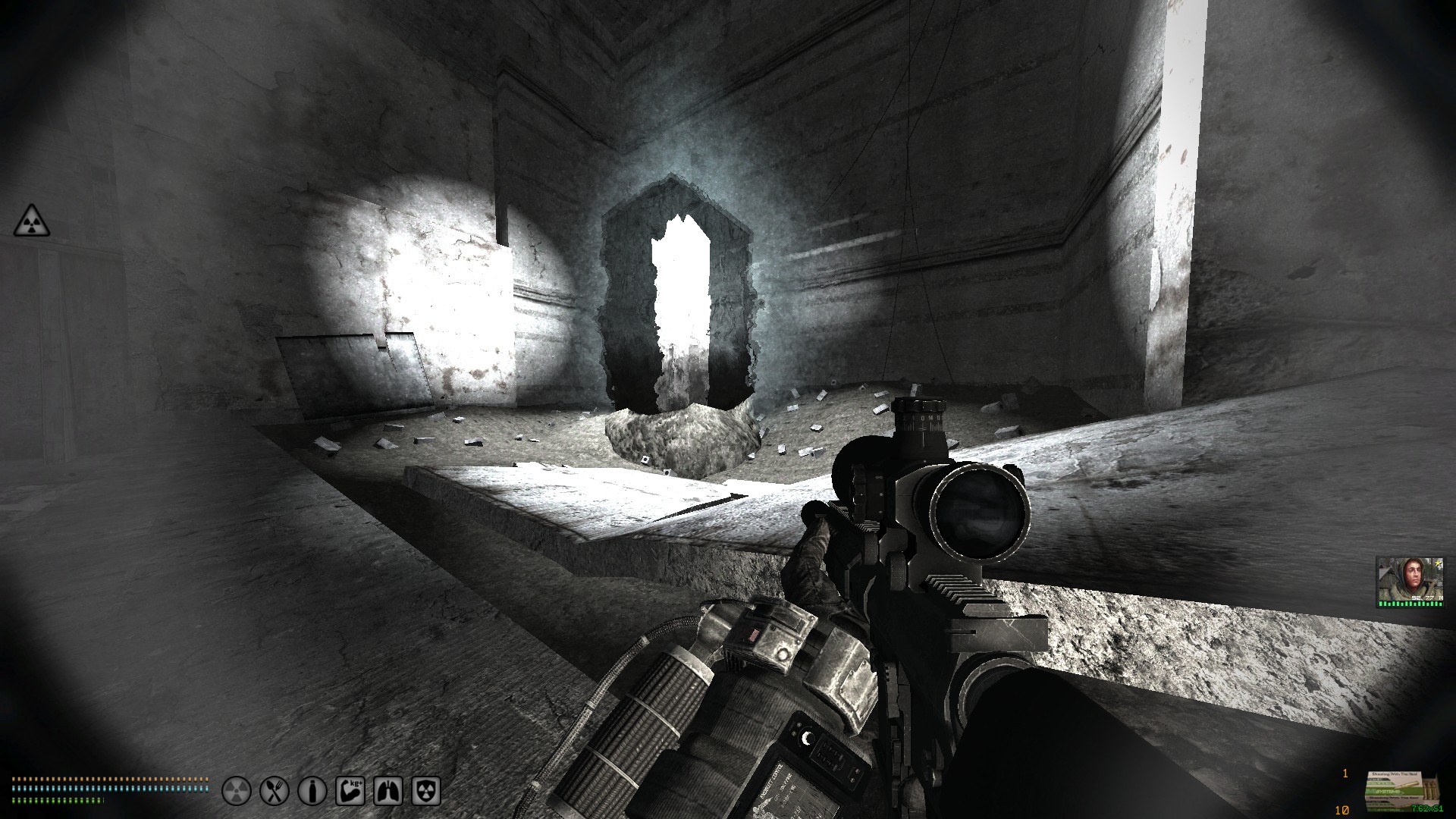
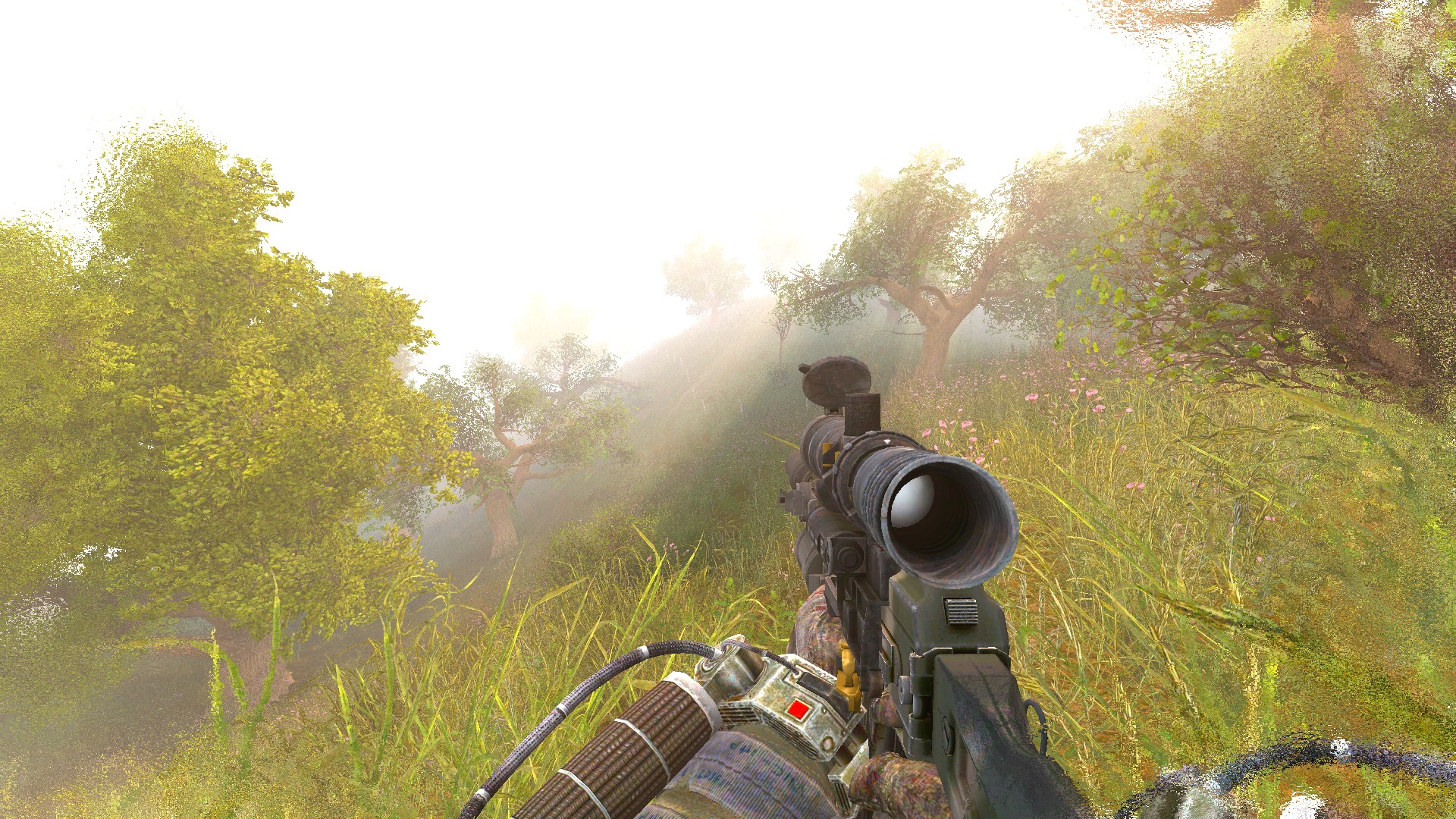
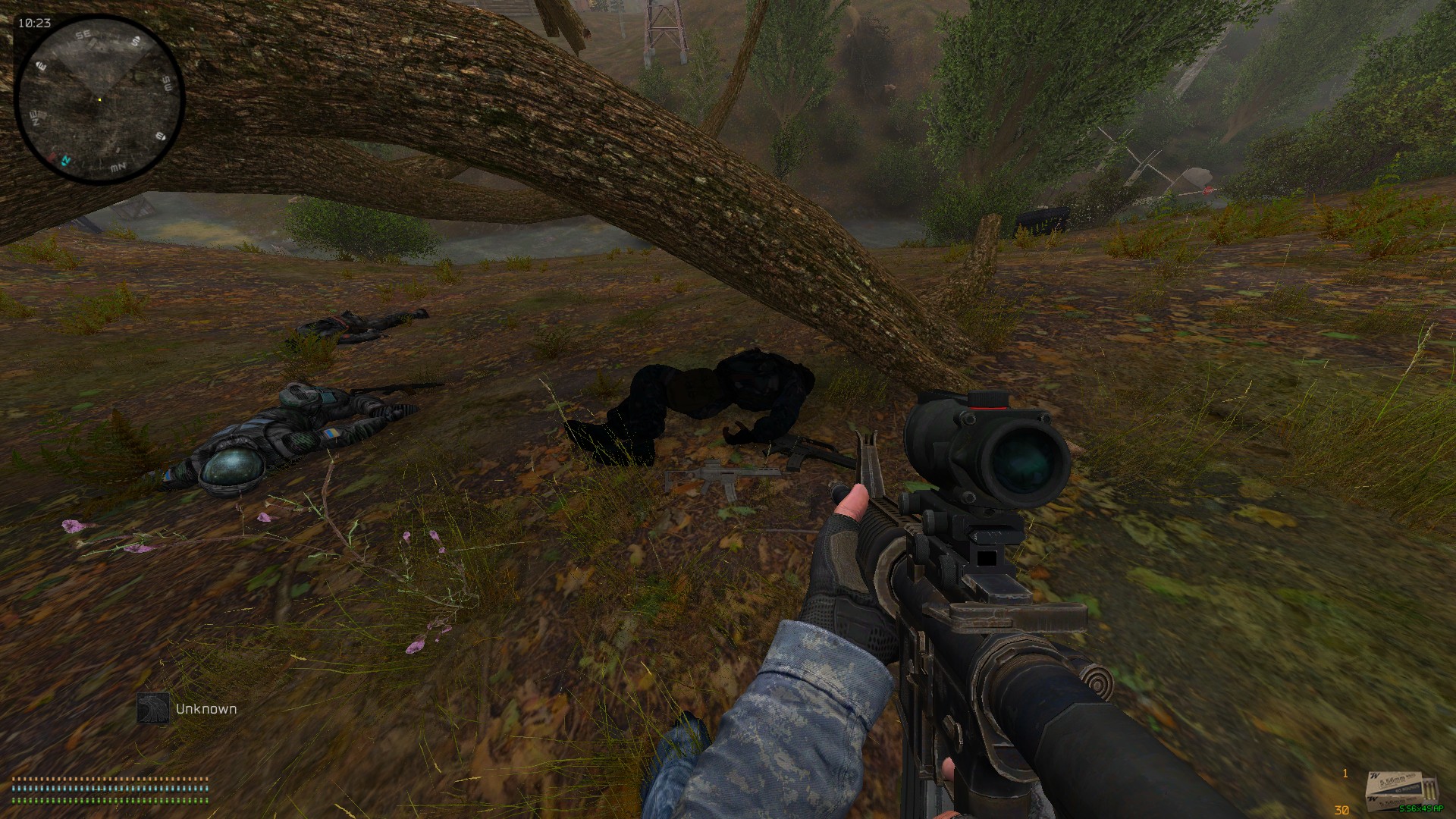
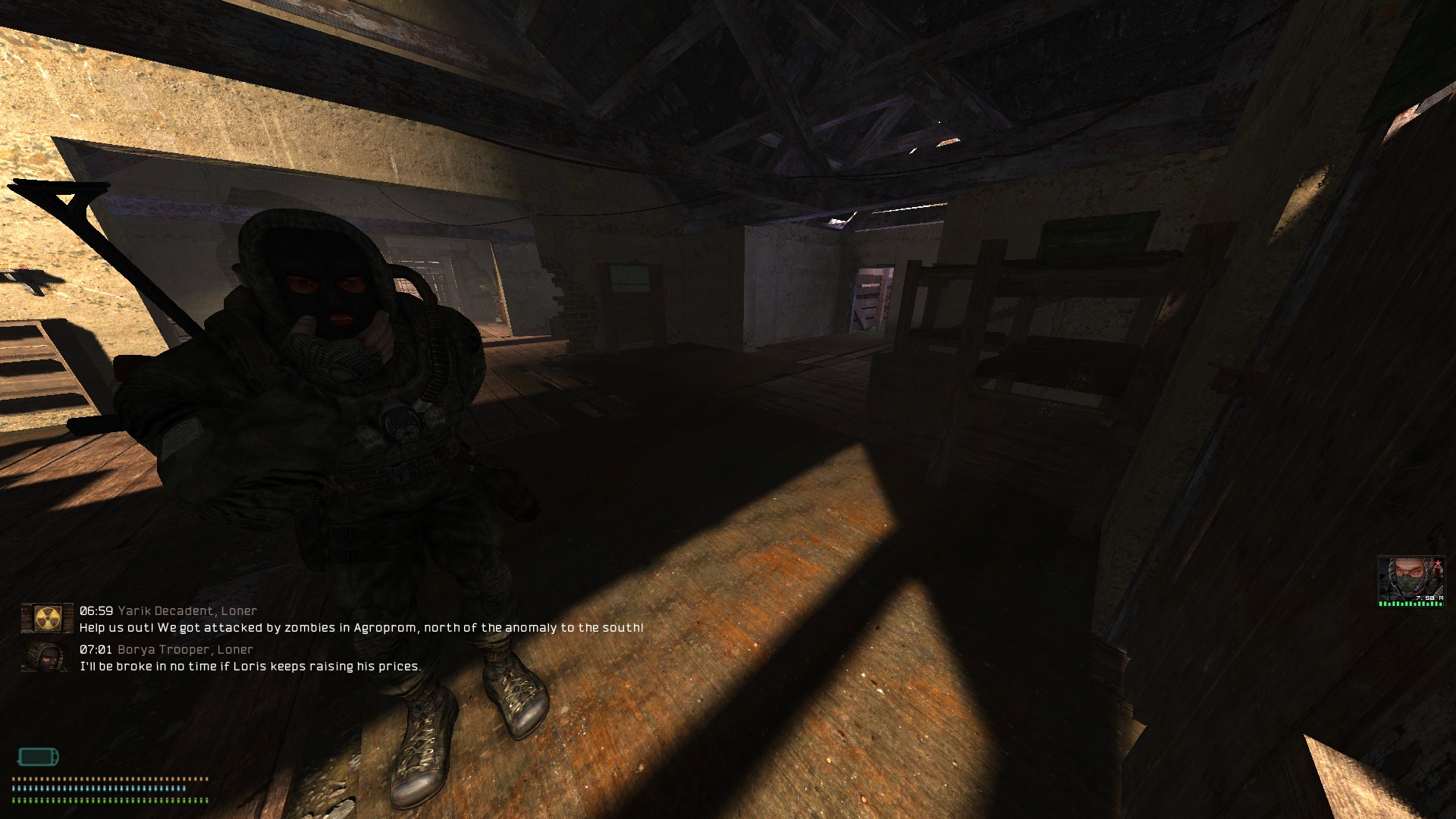
Short for "Corn's Anomaly Plus," this is a relatively light-weight modpack for S.T.A.L.K.E.R.: Anomaly, which aims to enhance the default experience of Anomaly without compromising on the stability of the same.
Keep in mind that you will need the base S.T.A.L.K.E.R.: Anomaly (duh), Modded EXEs / DLTX, and Mod Organizer 2. If you don't know how to get them up and running, I have a very useful guide covering that topic! Feel free to go and read said article, get all of those set up and running, and then come back here to proceed with the modpack installation.
File Size: ~10 GB (unzipped) + ~16 GB (base Anomaly)
How to install:
- Download the ZIP using the "Download File(s)" button from above.
- Open up your Mod Organizer 2 and create a new instance for my modpack.
- Open the Instance Manager button (usually in the top left corner).
- Select your C.A.P instance from the list, find the "Location" entry, and press "Explore."
- Now open the ZIP in one window and the Explorer (with your Instance folder loaded) in another. Open the "profiles" folder in your Explorer and copy the "Default" folder (entire folder; NOT just the contents of it) from the ZIP into the "profiles" folder. Now, go back and open the "mods" folder in the Explorer, and copy the entire contents of the "Mods" folder from the ZIP into the "mods" folder in the Explorer.
- Refresh your Mod Organizer 2, and the instance should now load with a modular list of all the add-ons that are present. If refreshing doesn't work, click the "Configure Profiles" button and make sure that "Default" is selected. Alternatively, try closing and then reopening Mod Organizer 2.
- Run the game and enjoy! :D
If you're a little confused on the whole process, I either already have or will make a video tutorial on my YouTube channel soon, so go watch that. If it already exists, a link to it can be found under the "Project Media" section.
Add-on list:
- ReDone Collection N
- ReDone Collection S
- Mutants Can't See Through Foliage
- NPC's Can't See Through Foliage
- ReDone Combat AI
- Yet Another Knife Reanimation
- T.H.A.P
- FDDA Enhanced
- FDDA Redone
- FDDA
- 3DSS Vanilla
- Scope Shaders
- Sight Markers
- JSRS Port
- Audio Expansion
- Groks Better Sound
- Corn's AP UI
- Maid's Vanilla HD Icons
- Dynamic Icon Indicators
- UI Rework
- Toolkits Rework
- Extra Level Transitions (Rostok - Garbage)
- Extra Level Transitions
- Sorting Plus
- Custom iTheon's PDA Taskboard
- iTheon PDA Taskboard
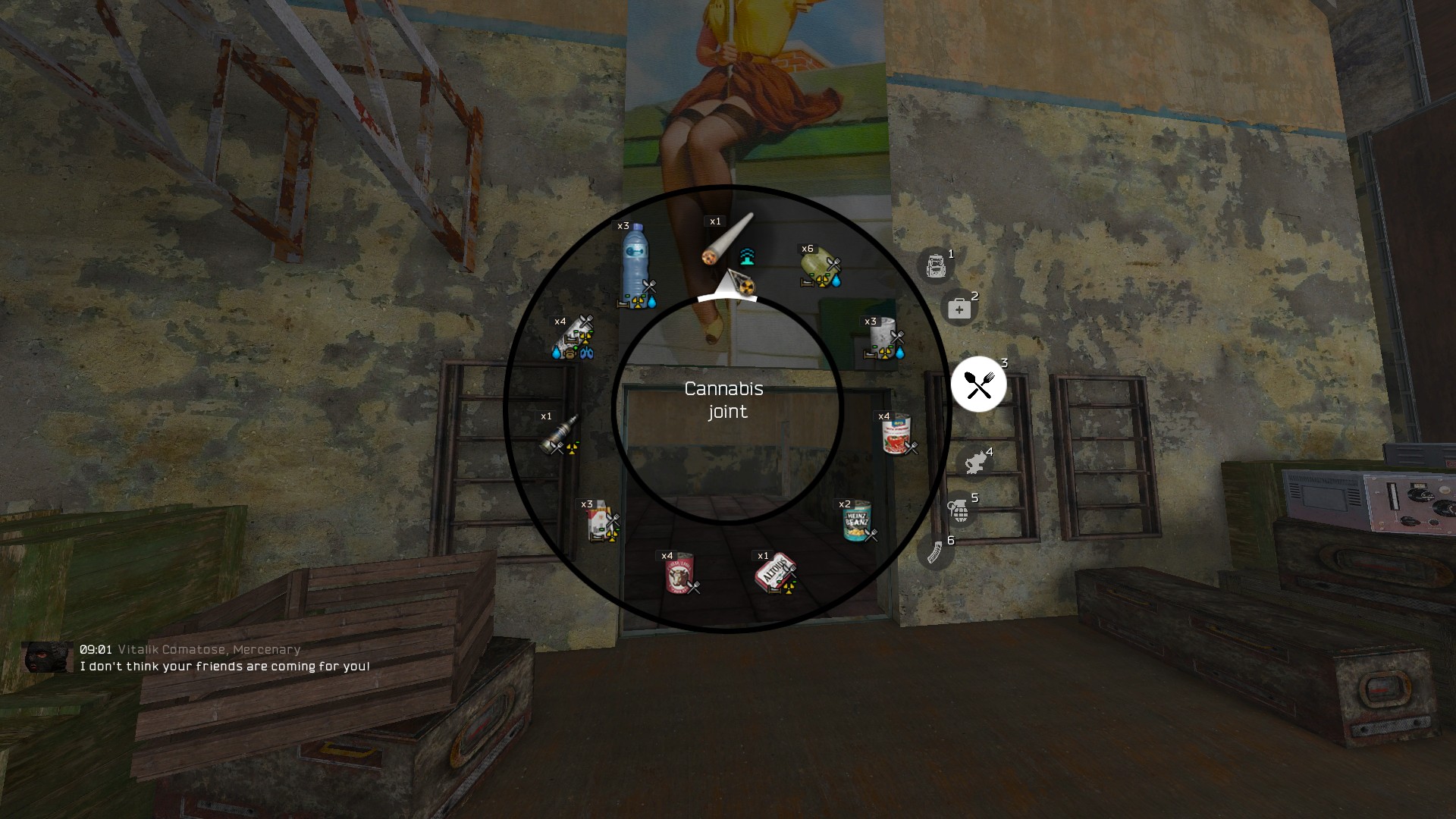
- Quick Action Wheel Overhaul
- Quick Action Wheel
- Crook's Faction Identification
- Stealth
- Ledge Climbing & Mantling
- Task Manager (Debug Tool)
- Useful Idiots
- Cozy Campfires
- Remove Dropping Weapons From Damage
- Weapon Damage Adjustment
- MCM
- ShoC-Style Weather
- The Walking Ded
- Optimized Overhual ATO 2k
- Expanded & Fixed Maps
Change log:
- V-1.1-A (24/Aug/2026): The launch version of the modpack included an issue where skinning animals and looting bodies (sometimes) resulted in a game crash due to conflicting/missing scripts. I traced the issue back to the furniture mods and found that the best/easiest solution was to simply remove them, so that is what this update does. Additionally, I added ShoC-Style Weather that beautifies the grayish sky into something much prettier. And finally, I removed the Zone Customization Project (ZCP), as I found out, after prolonged testing, that this mod somehow prevents or, at the very least, significantly reduces mutant spawns, which made the game world feel empty and soulless.
Project Media: